
White Lace Wedding Dress Portrait
Camera Create a refined, realistic female portrait in a classic portrait composition. Keep the woman as the visual center, framed as a medium or three-quarter-length portrait. Rend…
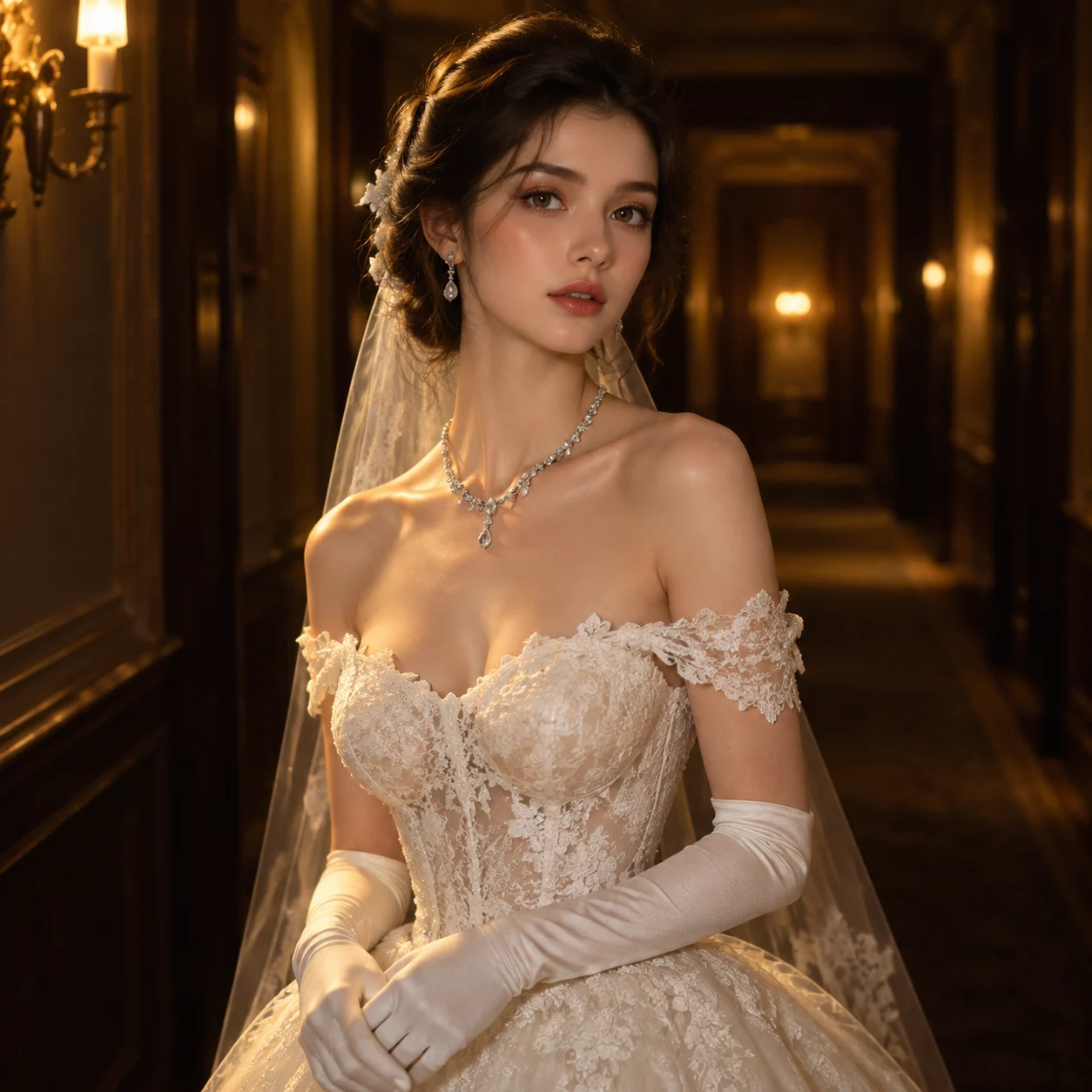
Complete prompt
Camera Create a refined, realistic female portrait in a classic portrait composition. Keep the woman as the visual center, framed as a medium or three-quarter-length portrait. Render her face, shoulders, lace, and jewelry clearly; keep the corridor softly out of focus while retaining spatial depth. Scene A dim, understated indoor hallway with a dark, simple background. Warm yellow light comes from the distance and from the side, creating depth without clutter or distracting decoration. Subject A woman with a calm, elegant expression, facing the camera or turned slightly to the side. She wears a white off-the-shoulder lace wedding dress, naturally revealing the shoulder and neckline. Show delicate lace texture, soft folds, and natural drape. Add matching white gloves, an elegant necklace, and earrings, all complete and clearly rendered. Action She stands naturally with a poised, quiet posture. Let her hands rest gracefully so the white gloves remain visible. Her head faces forward or turns slightly to the side, maintaining a serene, dignified mood. Lighting / Color Use warm yellow indoor light to softly illuminate her face, shoulders, lace, and jewelry, while preserving background shadows and hallway depth. Emphasize the contrast between the white wedding dress and the warm, dark surroundings. Render realistic skin tone, lace, gloves, and subtle metal-jewelry reflections. The atmosphere is romantic, mysterious, quiet, and dignified. Negative Prompt Wrong dress color, missing off-the-shoulder neckline, missing gloves, missing necklace, missing earrings, incorrect body proportions, malformed fingers, deformed jewelry, over-bright background, cool color cast, plastic texture, low quality, blur, oversharpening, text, watermark.
Results vary by model and settings. Keep the subject and composition, then adjust lighting, materials or background for your own project.
How to customize this prompt in the workspace
- 01
Replace the main subject first
Keep the framing, camera angle, and lighting structure intact while swapping the subject or product description for your own project.
- 02
Lock structure with reference images
Need consistent product geometry, packaging silhouette, or character features? Upload 1 or more reference images with a supported model.
- 03
Refine details via multi-turn editing
Generate a base image first, then use conversational editing to adjust background color, surface reflections, or mood one step at a time.



