
For online sellers & brand creators
Start with a product. Find an image worth a second look.
Explore product listings, campaign images and advertising concepts with a deliberate subject, setting and light. Find a visual direction, then refine it around your own product.
Where the creative process gets stuck
You have the product. The picture is still missing.
A plain background feels generic; a busy setting can distract from the subject. Decide where the product sits, where the light comes from and what the picture should communicate.
Lock in the product form and material details first, then vary the backdrop and aspect ratio one step at a time.
Every new setting feels like starting over
Listings, seasonal campaigns and social posts need different compositions. Keep the product description and adjust the background, ratio or space for copy one step at a time.
A good image still needs an accurate product
Reflections, labels and proportions affect credibility. Treat generated images as creative concepts, and check real product details before publishing.
ImageGenFlow / Product & advertising visuals
Give your next image a clear direction
Study real images for light, composition and detail, then bring your own brief to the workspace.
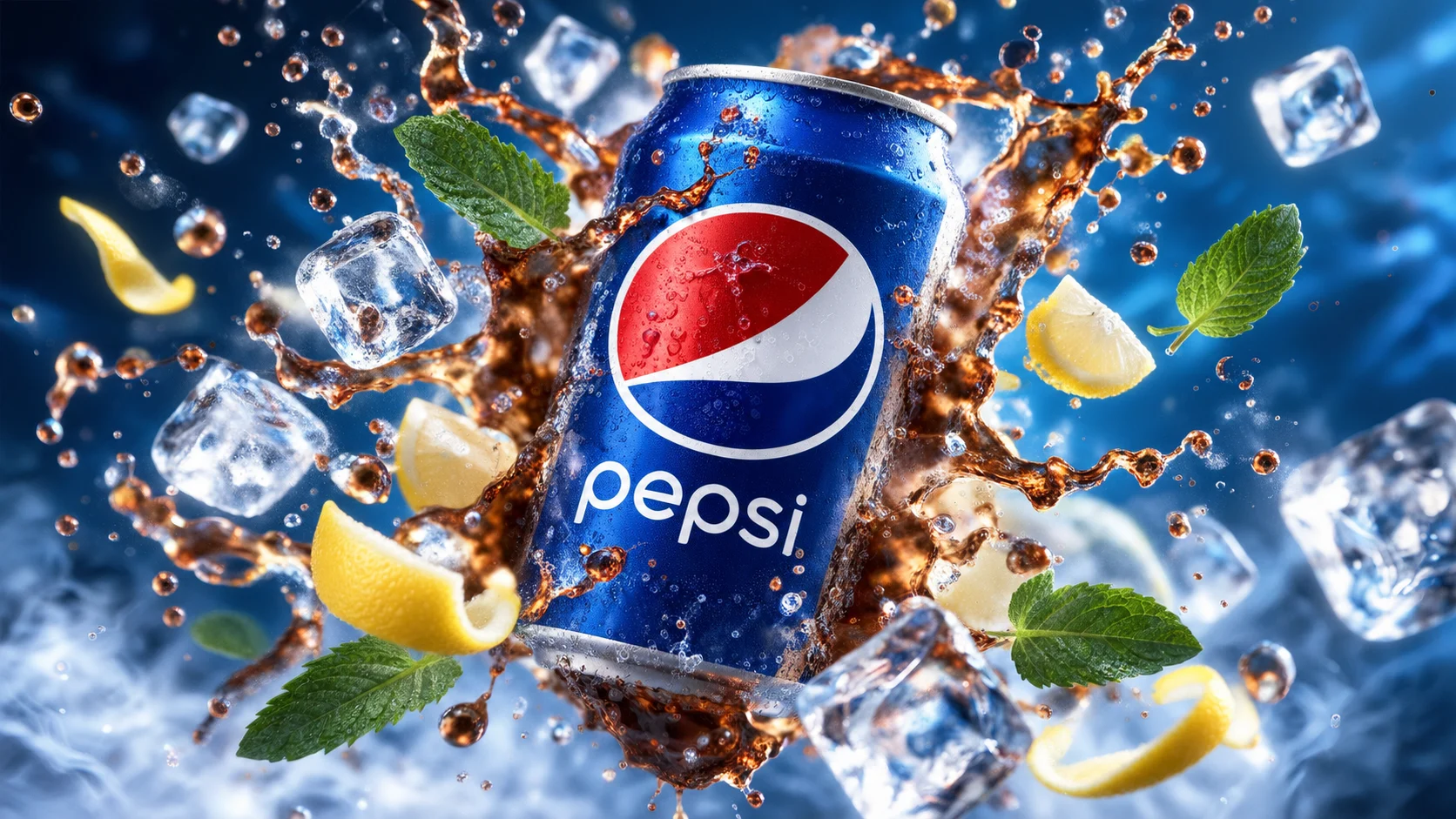
A beverage image with energy
Ice, frozen motion and cool light build a dramatic composition. Look at the subject separation and metallic reflections.
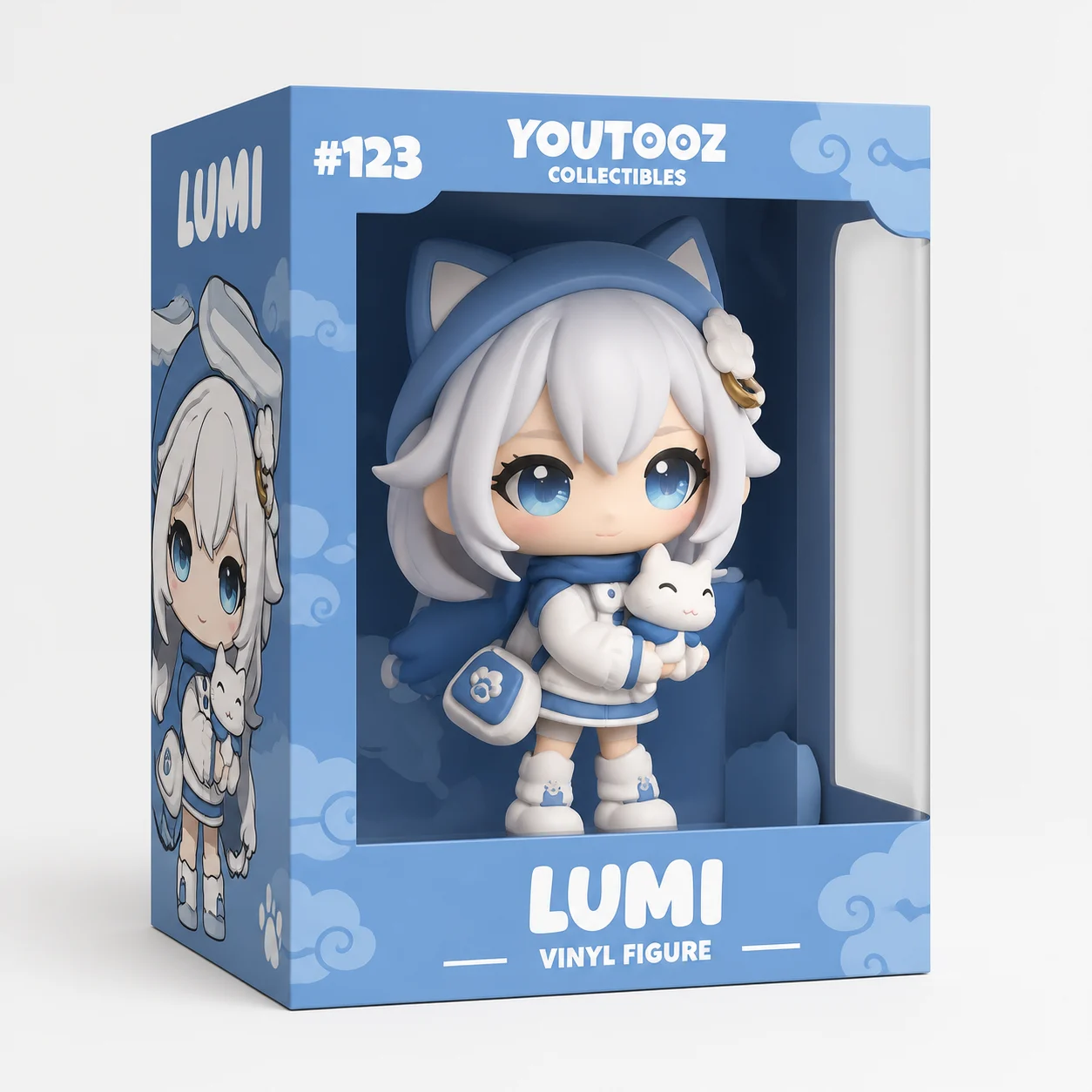
Clean packaging & display presentation
A clean studio backdrop highlights box geometry, window cutouts and character details—ideal for collectibles and packaged goods.
From a first idea to your next image
- 01
Define your product
Prepare your own product details or photos. Describe its form, materials and the features that need attention.
- 02
Explore a composition
Add a setting, light, aspect ratio and space for copy. Change one main condition at a time to compare results.
- 03
Review and download
Check packaging, text, proportions and edges, then download the image you want from the workspace.
A few things before you start
Can I publish these as real product ads?
Generated images can help explore concepts, but may change labels, logos and packaging. Check product accuracy and your rights to the source material before publishing.
Can I use my own product photo?
Choose a model that supports reference images and add your photo. Describe the features to retain and the setting to change; check the workspace for model-specific support.