
For content creators & photography enthusiasts
Put a person in a scene. Let the light set the mood.
Start with a person, a color palette or a patch of indoor light. Explore realistic and cinematic portraits by turning an abstract mood into concrete camera, lighting and scene choices.
Where the creative process gets stuck
“Cinematic” is a word, not yet a scene
Style words alone do not establish a relationship between a person and their surroundings. Describe the action, location and direction of light to give the picture a focus.
Replace vague quality buzzwords with concrete action, light direction and camera distance for more natural portraits.
The subject is clear. The mood feels wrong.
Depth of field, color temperature and background activity shape the atmosphere. Establish one light direction before changing the scene.
More detail can look less natural
Excessive styling can make skin, features and materials feel rigid. Check faces, hands and edges instead of relying on a longer list of adjectives.
ImageGenFlow / Portraits & realistic photography
Give your next image a clear direction
Study real images for light, composition and detail, then bring your own brief to the workspace.
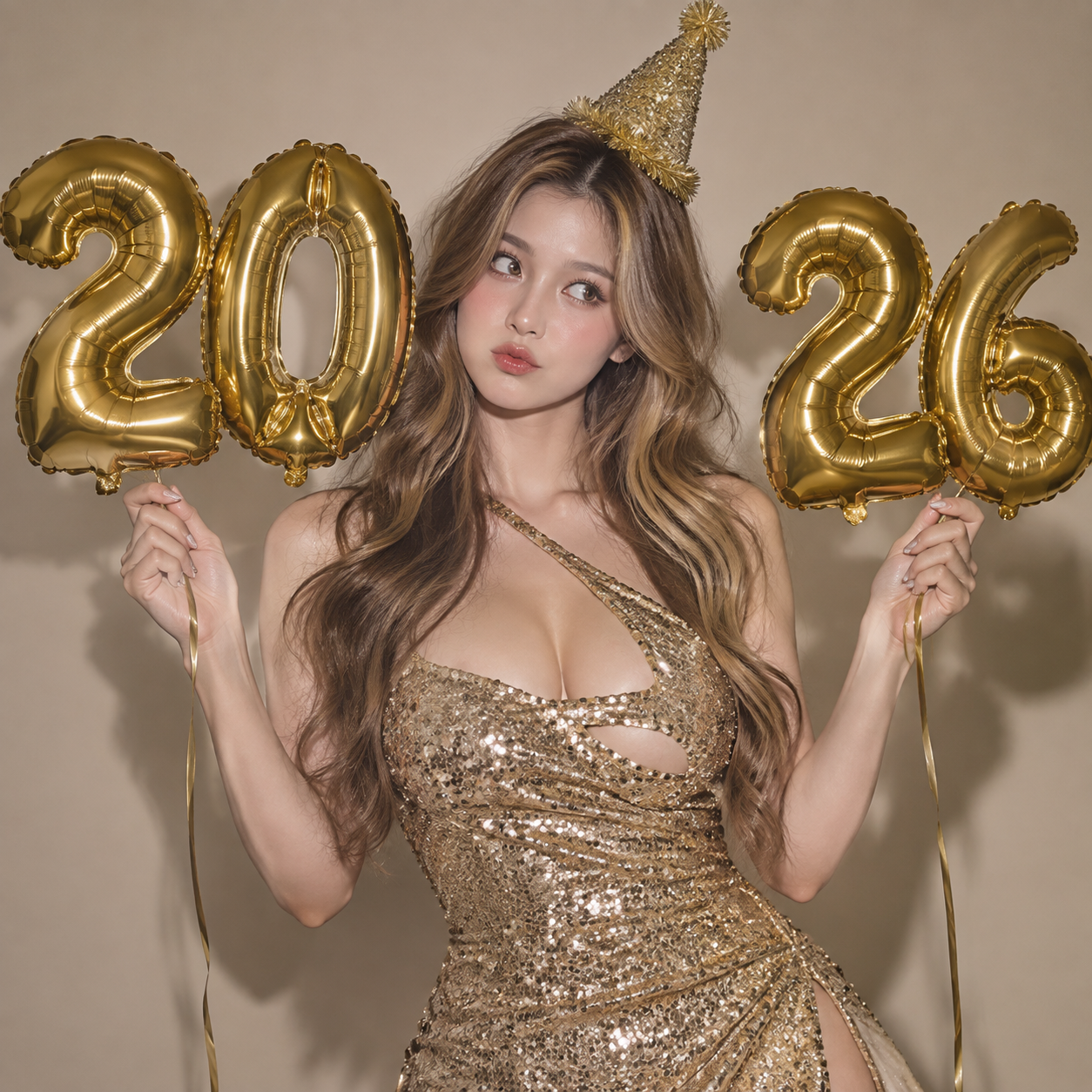
A warm party atmosphere
Study how ambient light, skin tones and the surrounding palette work together, then describe your own setting.
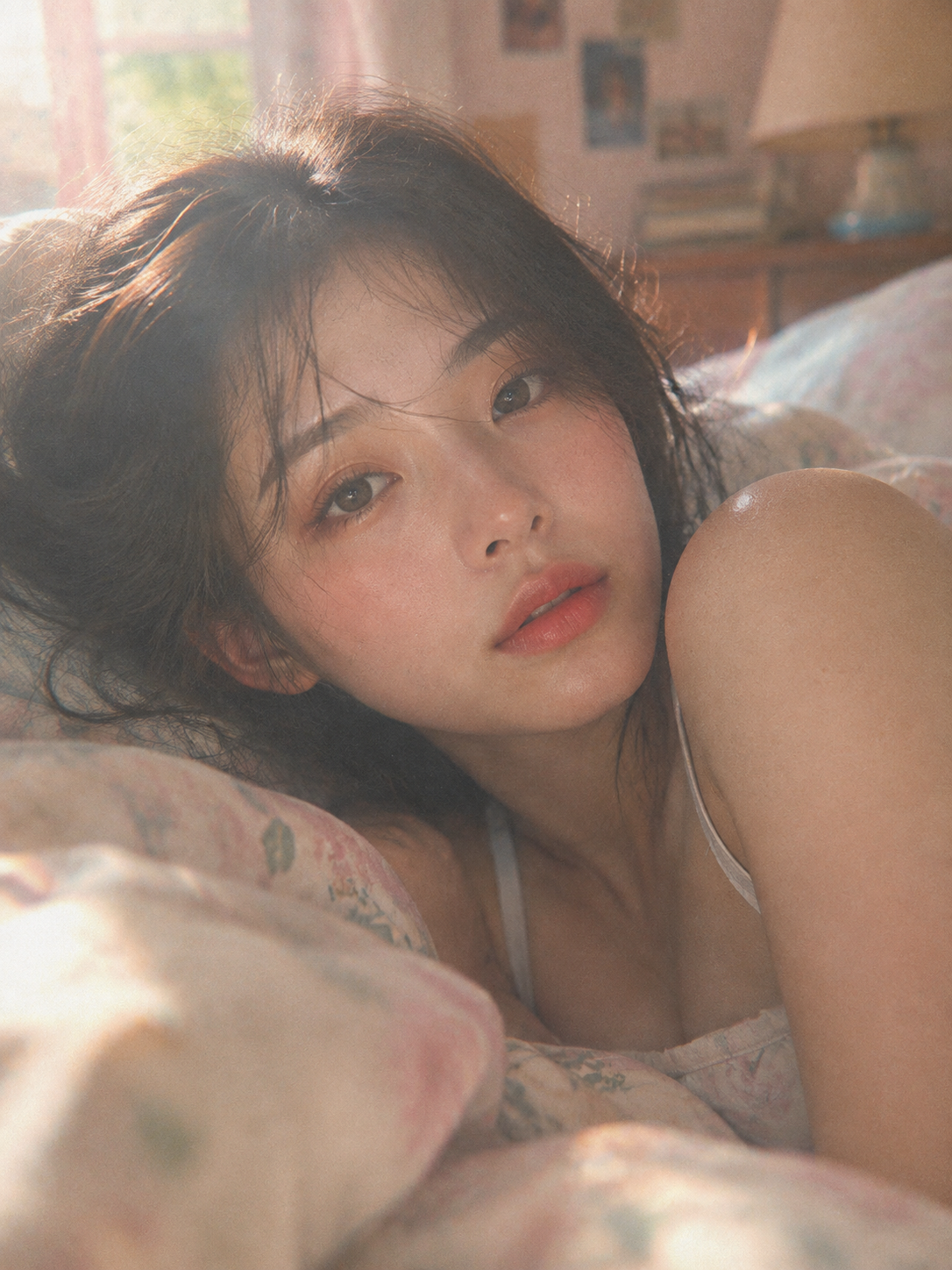
Backlit softness & indoor mood
Morning window backlight outlines hair and facial contours while keeping the background quiet and emotional.
From a first idea to your next image
- 01
Set the person and the scene
Describe appearance, action and surroundings. Get appropriate permission before using someone else’s photo.
- 02
Describe light and framing
Specify a close-up or half-length view, soft or side light, and warm or cool tones. Begin with one clear version.
- 03
Check natural detail
Compare expression, hands, skin and background edges. Continue with a supported editing model when you need a change.
A few things before you start
Can I keep exactly the same face across images?
A reference can guide appearance, but does not guarantee identity, facial features or consistency across several images. Review each result when likeness matters.
How can I make a portrait feel more natural?
Use a clear, restrained brief with a lighting direction and camera distance. If details look unnatural, reduce the number of simultaneous changes and review the next result.