
Automatic prompt optimization
Start with a simple description. Refine the subject, composition, style, lighting, and aspect ratio for a first result closer to your vision.
Featured work · PromptAtlas
Turn your ideas into product ads, portraits and design visuals. Explore different models in one workspace, with reference images and editing on supported models.
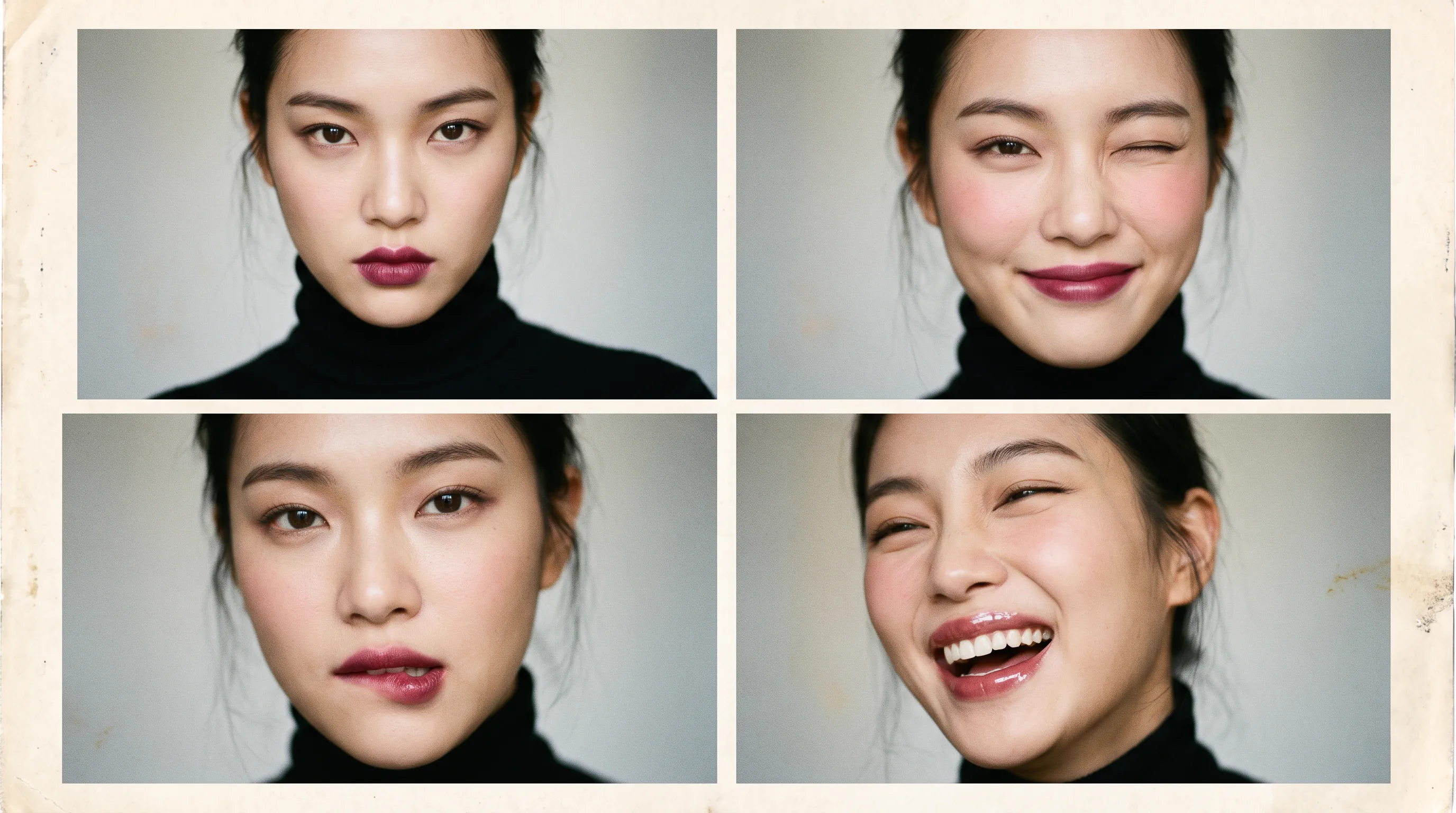
Available settings and Credit costs vary by model. Check the exact cost before generating.
Capabilities
Start with a text prompt, guide generation with a reference image or edit a generated image using text instructions. Reference images and editing are available on supported models; check the workspace for current options.
Start with a simple description. Refine the subject, composition, style, lighting, and aspect ratio for a first result closer to your vision.
Choose a model that supports reference images, upload your image and describe what you want to create. Use the reference alongside your text prompt to guide the result.
Select Continue editing on a generated image and describe the changes you want. Supported models create a new version while keeping your original image.
Use cases
Explore AI-generated product ads, design concepts and realistic portraits. View the prompts behind each example or use one to start creating.

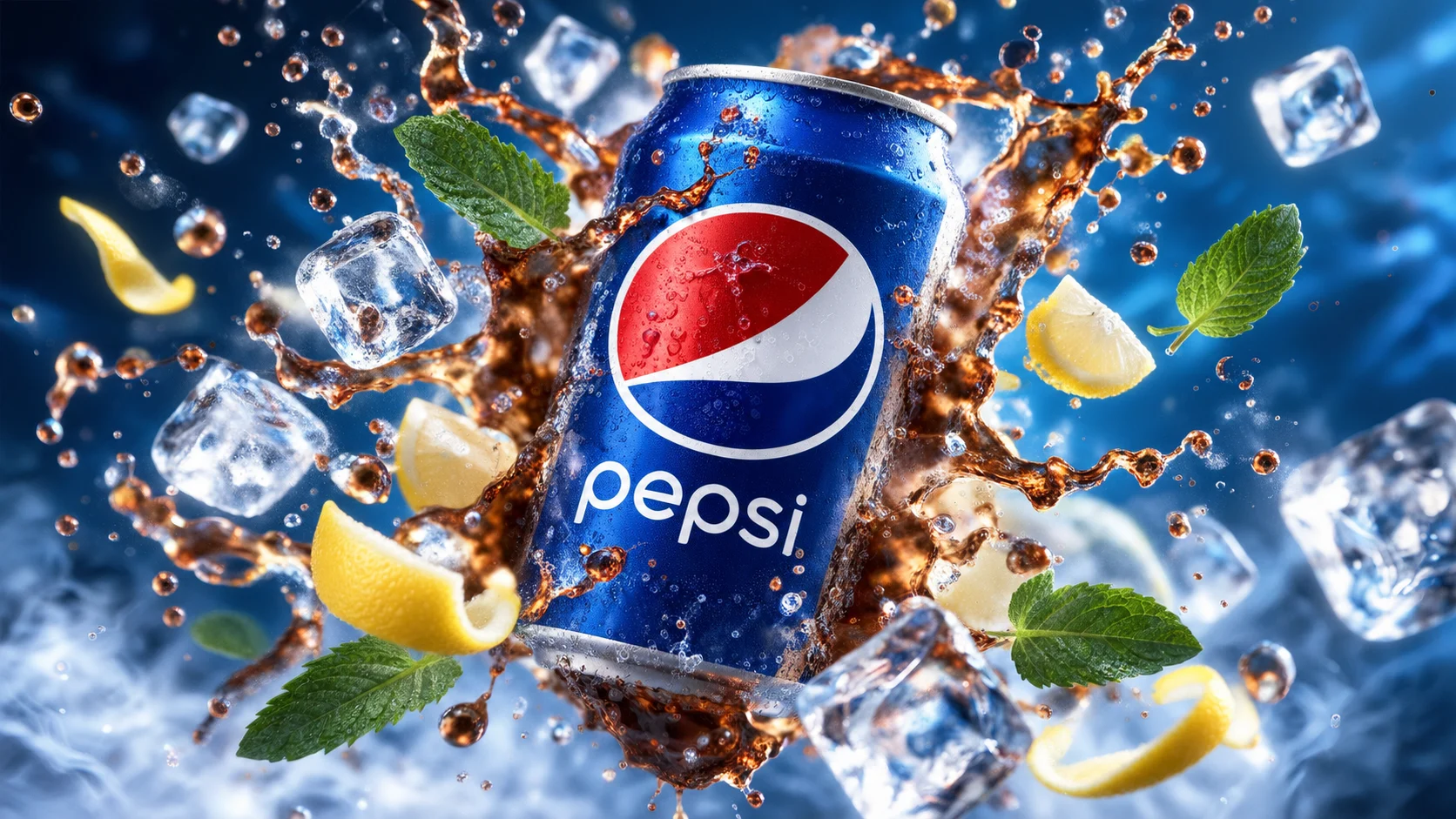
Commercial products
Generate product photography concepts, advertising compositions and backgrounds for e-commerce campaigns. Check product details before publishing.
View Commercial products examples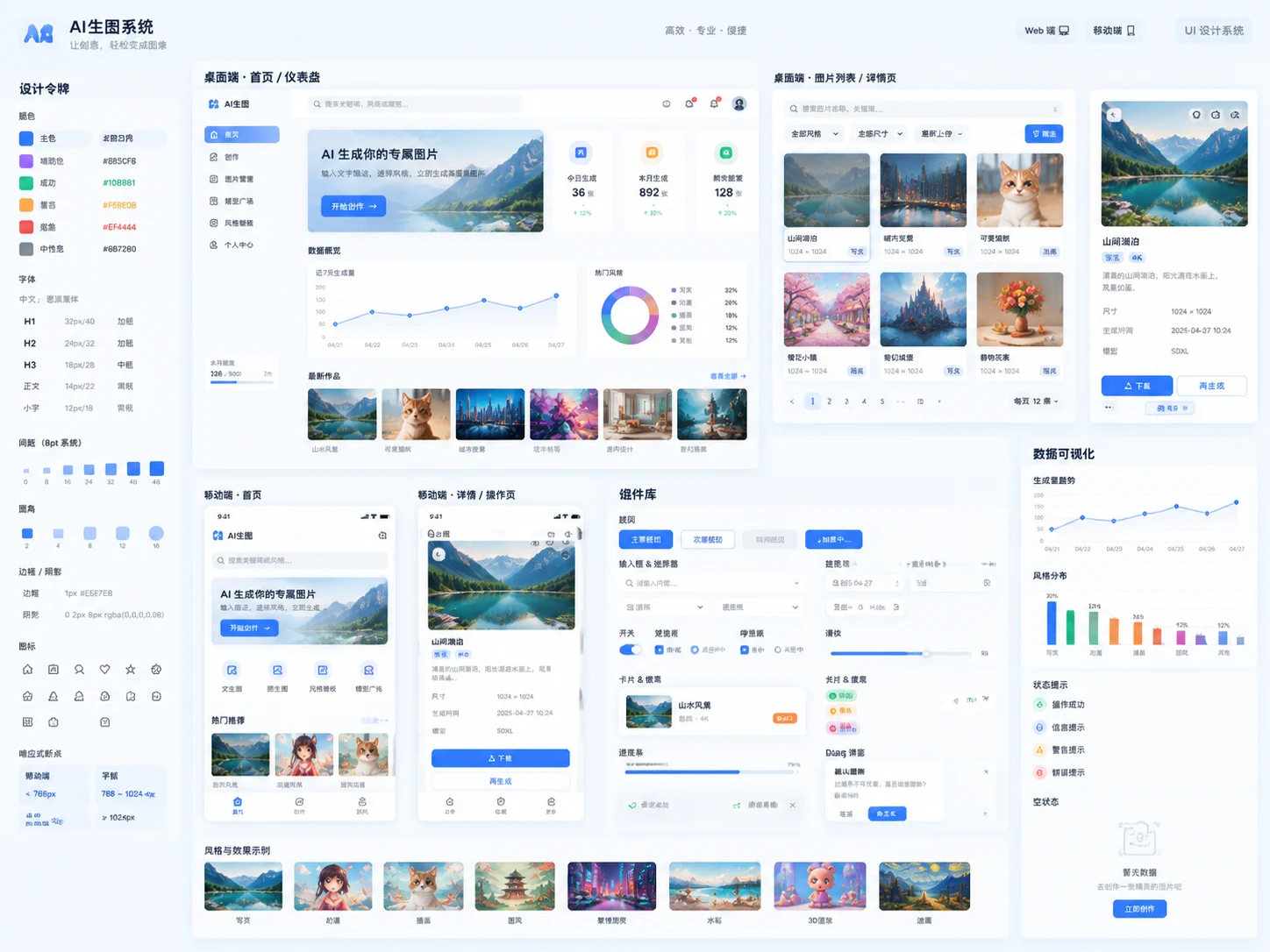
UI design
Explore layouts, styles, and visual directions for product interfaces and social content.
View UI design examples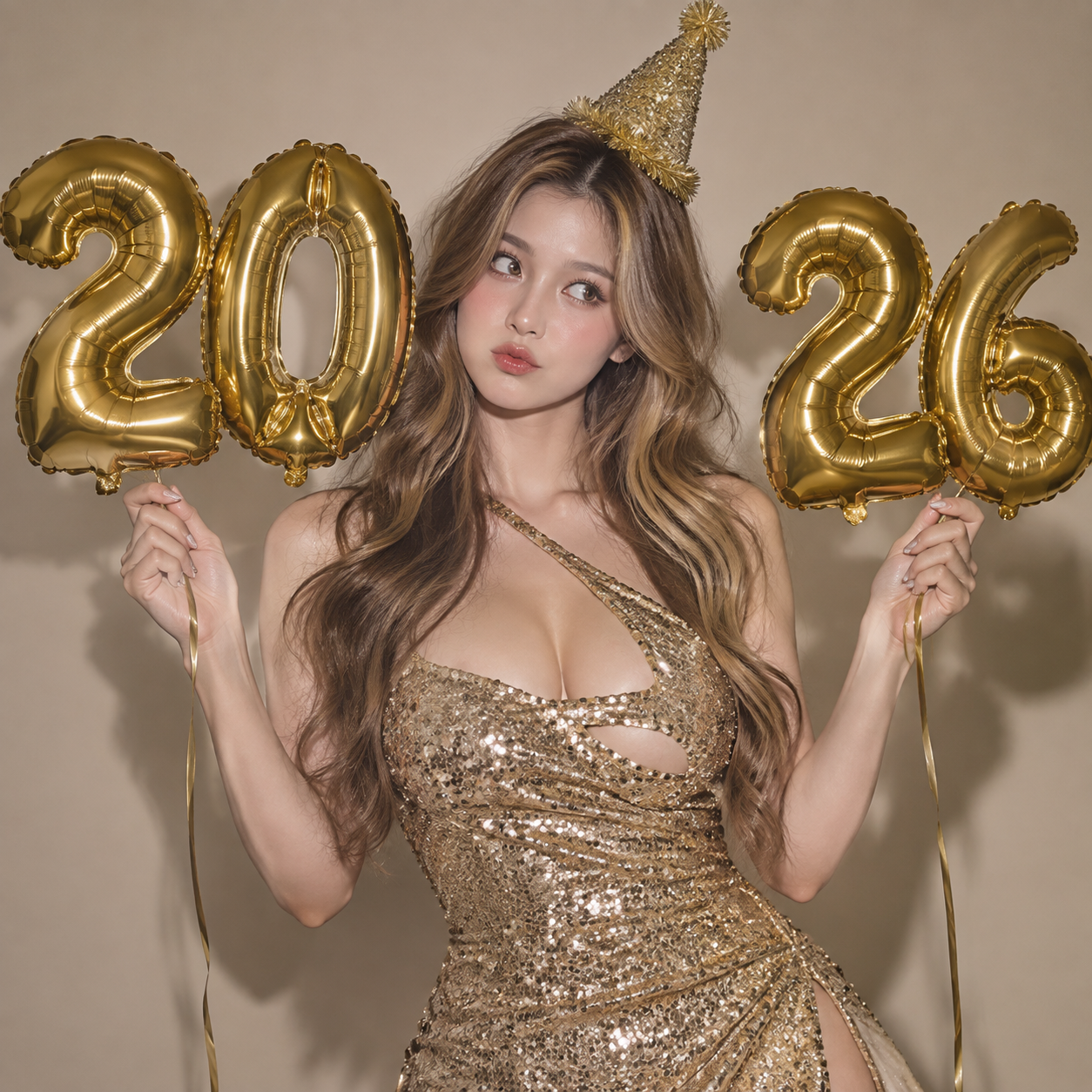
Photorealism
Describe the subject, lighting and camera style to generate photorealistic portraits and editorial image concepts.
View Photorealism examplesCreation walkthrough
Explore a real prompt alongside its example result, then take it into the workspace and make it your own.
Define the subject, scene and lighting. This is the full prompt saved with the example.
This image is an example. Results will vary with each generation.
For creators
Different roles and visual tasks can follow the same streamlined generation flow.
Create product images, detail pages, and campaign visuals when inspiration strikes, without waiting for a design slot.
Compare layouts, styles, and palettes quickly, then refine your favorite direction in the workspace.
Create covers, illustrations, and realistic imagery for your next publication in a single creative session.
Pricing
Choose your Credit allowance. Each model has its own Credit cost.
Free
$0One-time
10 Credits
Approximately 5 images
Try the complete creation workflow
Starter
$9.99/ 30 days
1,000 Credits / 30 days
Approximately 500 images
For individuals who create regularly
Pro
$19.99/ 30 days
3,000 Credits / 30 days
Approximately 1,500 images
For frequent creators and professional projects
Light top-up
$4.99One-time
300 Credits
Approximately 150 images
For occasional creation and small tasks
Everyday pack
$14.99One-time
1,200 Credits
Approximately 600 images
For focused content production
Large top-up
$29.99One-time
3,000 Credits
Approximately 1,500 images
For frequent use without a subscription
Credit costs vary by model; check the generation button for the exact cost. Failed generations do not consume Credits. Subscription Credits expire 30 days after activation and do not roll over. Top-up Credits never expire.
FAQ
Usage rights, billing, and data handling are explained before you generate.
New accounts can receive trial Credits without linking a payment card. Check your balance in your account after claiming them. Before each generation, the workspace shows the Credit cost for your selected model and settings.
The workspace includes GPT Image 2 (GPT-Image2), GPT Image 2.5 (GPT-Image2.5), Nano Banana 2.1, Grok Image (Grok Imagine) and Seedream 5.0 Flash model entries. Try the same prompt across models to compare results. Available entries, settings, reference images, editing and Credit costs vary; check the workspace before generating.
Select a model in the workspace to see its available options and the Credit cost before generating.
Open one of your generated images and select Continue editing. Describe the changes you want, such as different lighting, colors or background, then choose a supported model and generate a new version. Your original image is kept. Each submitted edit uses the Credits shown before generation; entering edit mode itself is free. Results depend on the model and prompt.
Yes, on supported models. Open the workspace, choose a model with reference-image support and upload your image under Reference images. Add a text prompt describing the result you want, review the available settings and Credit cost, then generate. Upload controls and limits depend on the selected model. A reference guides generation; it does not guarantee identical faces, products or composition.
Usage is shown before you submit a task. Tasks that fail due to service errors do not count toward usage. Your account billing page provides the applicable rules.
Subscription Credits are valid for 30 days from activation and do not roll over. Top-up Credits do not expire, but they do not automatically upgrade your current plan benefits. Check your account for your balance, expiry dates and plan benefits.
Commercial use is subject to your selected service plan and the license shown at download. You must still hold the relevant rights for likenesses, trademarks, and third-party reference materials.
Generation requests are sent to your selected model provider. Data handling varies by model. Please read the privacy policy and avoid uploading sensitive content. View privacy policy