
Creative Advertising
Use the uploaded product image exactly as it is — do not alter; redraw; or reinterpret any part of it. Follow the guidelines below to create a high-quality; cinematic product prese…
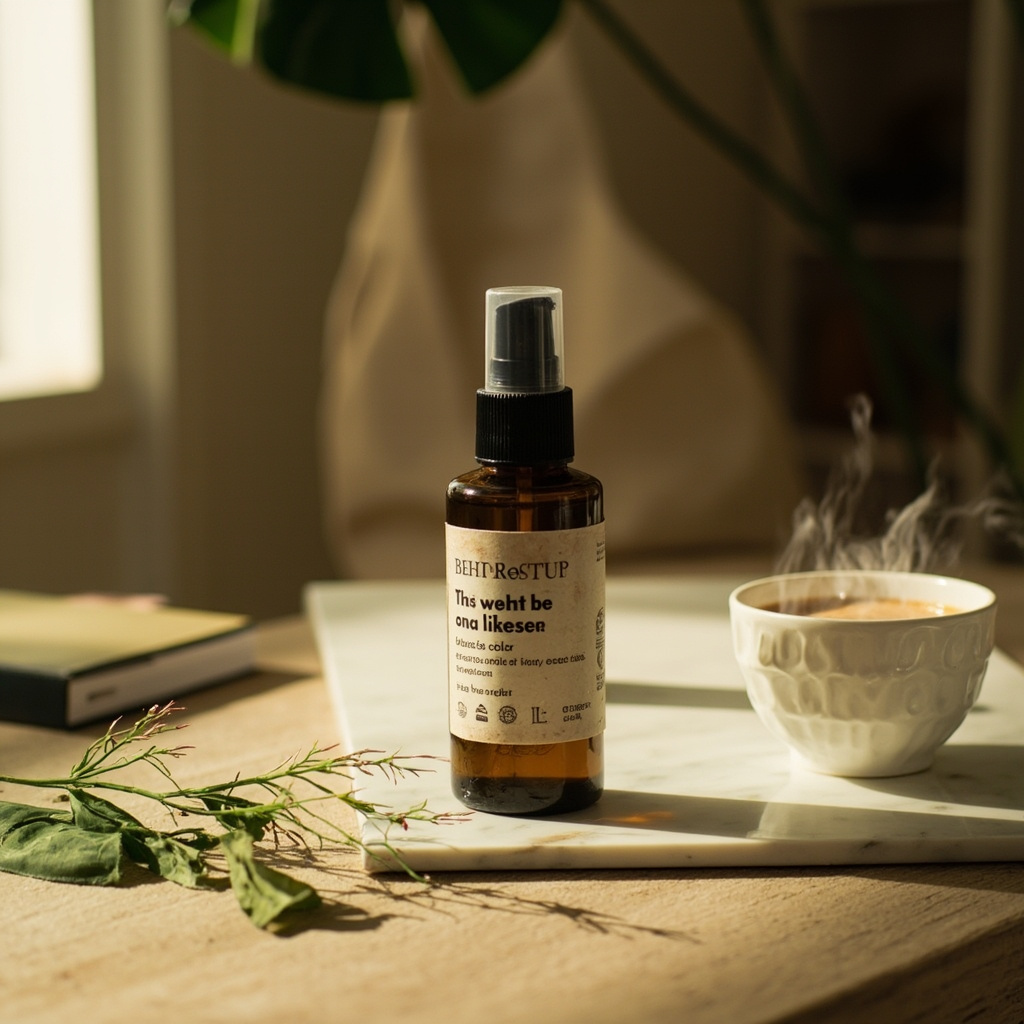
Complete prompt
Use the uploaded product image exactly as it is — do not alter; redraw; or reinterpret any part of it. Follow the guidelines below to create a high-quality; cinematic product presentation: • Keep the product fully intact — all text; labels; proportions; packaging; and colors must remain exactly the same. • Use natural or cinematic lighting to enhance the product’s appeal. • Place the product on a realistic surface that matches its category (e.g. wooden kitchen table for bread; bathroom shelf for skincare; desk for tech gadgets). • Add complementary props if appropriate (e.g. toast and coffee for bread; leaves and water droplets for skincare) — but do not let them touch or cover the product. • Use a softly blurred or ambient background (e.g. kitchen; morning window light; minimal interior). • Include soft shadows and subtle reflections for a grounded; photo-realistic effect. • Final result should feel premium; natural; and visually appealing — with 100% fidelity to the uploaded product image.
Results vary by model and settings. Keep the subject and composition, then adjust lighting, materials or background for your own project.
How to customize this prompt in the workspace
- 01
Replace the main subject first
Keep the framing, camera angle, and lighting structure intact while swapping the subject or product description for your own project.
- 02
Lock structure with reference images
Need consistent product geometry, packaging silhouette, or character features? Upload 1 or more reference images with a supported model.
- 03
Refine details via multi-turn editing
Generate a base image first, then use conversational editing to adjust background color, surface reflections, or mood one step at a time.



