
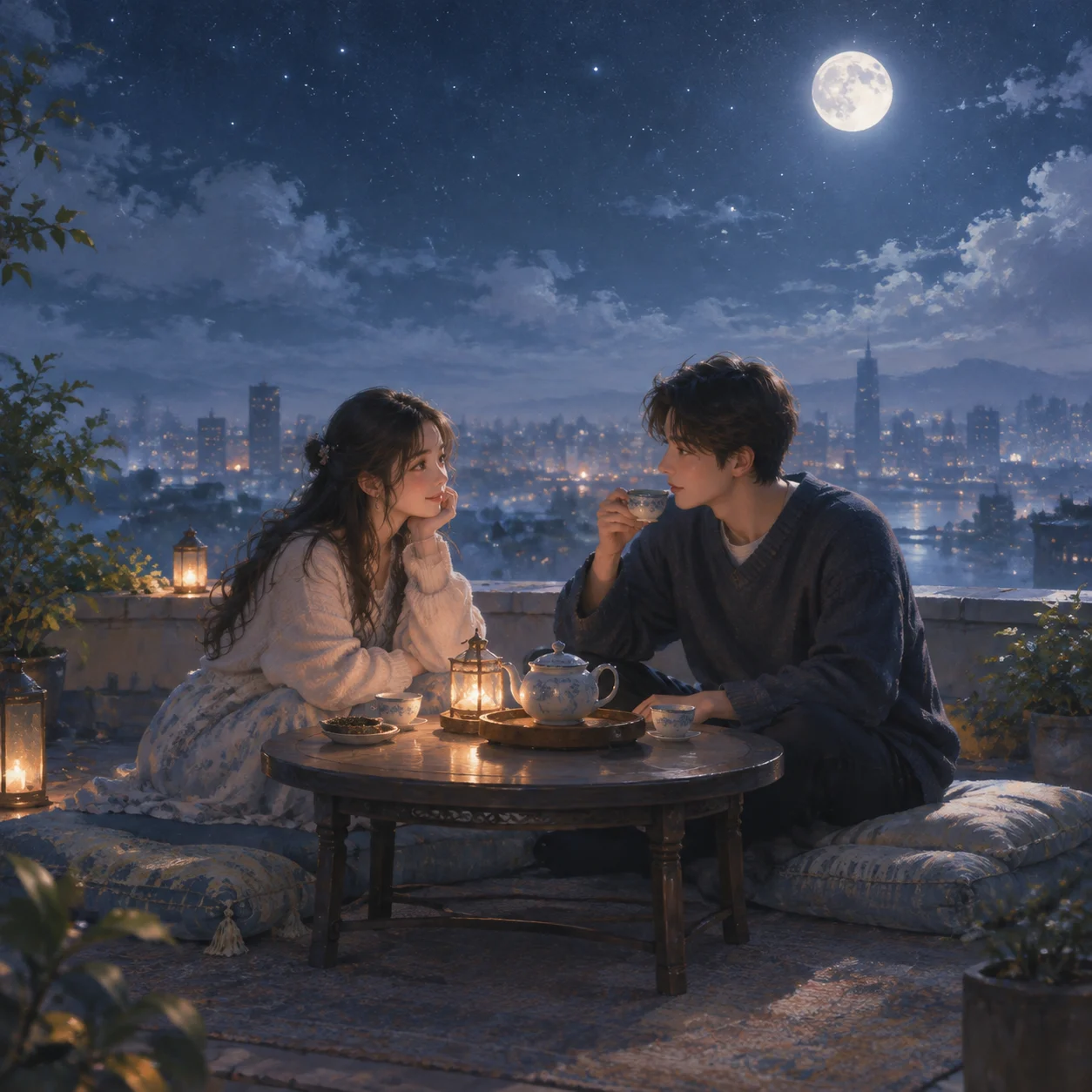
Moonlit Rooftop Tea Party
Camera: Cinematic medium-wide composition in landscape or 4:5 format, viewed at eye level with a slight elevated angle. Place the girl and boy near the center, with the rooftop edg…
Complete prompt
Camera: Cinematic medium-wide composition in landscape or 4:5 format, viewed at eye level with a slight elevated angle. Place the girl and boy near the center, with the rooftop edge, tea table, and night sky creating clear depth and gentle negative space. Scene: A quiet city rooftop beneath moonlight. A small round tea table, teapot, cups, and fabric cushions are softly illuminated. A hazy skyline, thin clouds, and scattered stars recede into a dreamy atmosphere with a light mist. Subject: One girl and one boy with naturally coordinated appearances and clothing, relaxed gentle expressions, and believable facial detail. Render both characters and the environment with soft painterly brushwork, delicate clothing texture, and poetic atmosphere. Action: They sit opposite each other or side by side at the tea table, sharing tea and quiet conversation. Their body language is natural and warmly connected without exaggeration, capturing a tender peaceful exchange beneath the moon. Lighting / Color: Silver-blue moonlight as the key light, balanced by warm golden tea-light or candle illumination. Dreamy, gentle, poetic, painterly mood with soft edges, delicate brush texture, muted nocturnal colors, and subtly glowing highlights. Negative Prompt: Stiff poses, incorrect proportions, malformed fingers, extra limbs, rigid expressions, overly sharp city background, harsh neon, blown highlights, cluttered props, low resolution, blurry subjects, text, logos, watermarks.
Results vary by model and settings. Keep the subject and composition, then adjust lighting, materials or background for your own project.
How to customize this prompt in the workspace
- 01
Replace the main subject first
Keep the framing, camera angle, and lighting structure intact while swapping the subject or product description for your own project.
- 02
Lock structure with reference images
Need consistent product geometry, packaging silhouette, or character features? Upload 1 or more reference images with a supported model.
- 03
Refine details via multi-turn editing
Generate a base image first, then use conversational editing to adjust background color, surface reflections, or mood one step at a time.



