
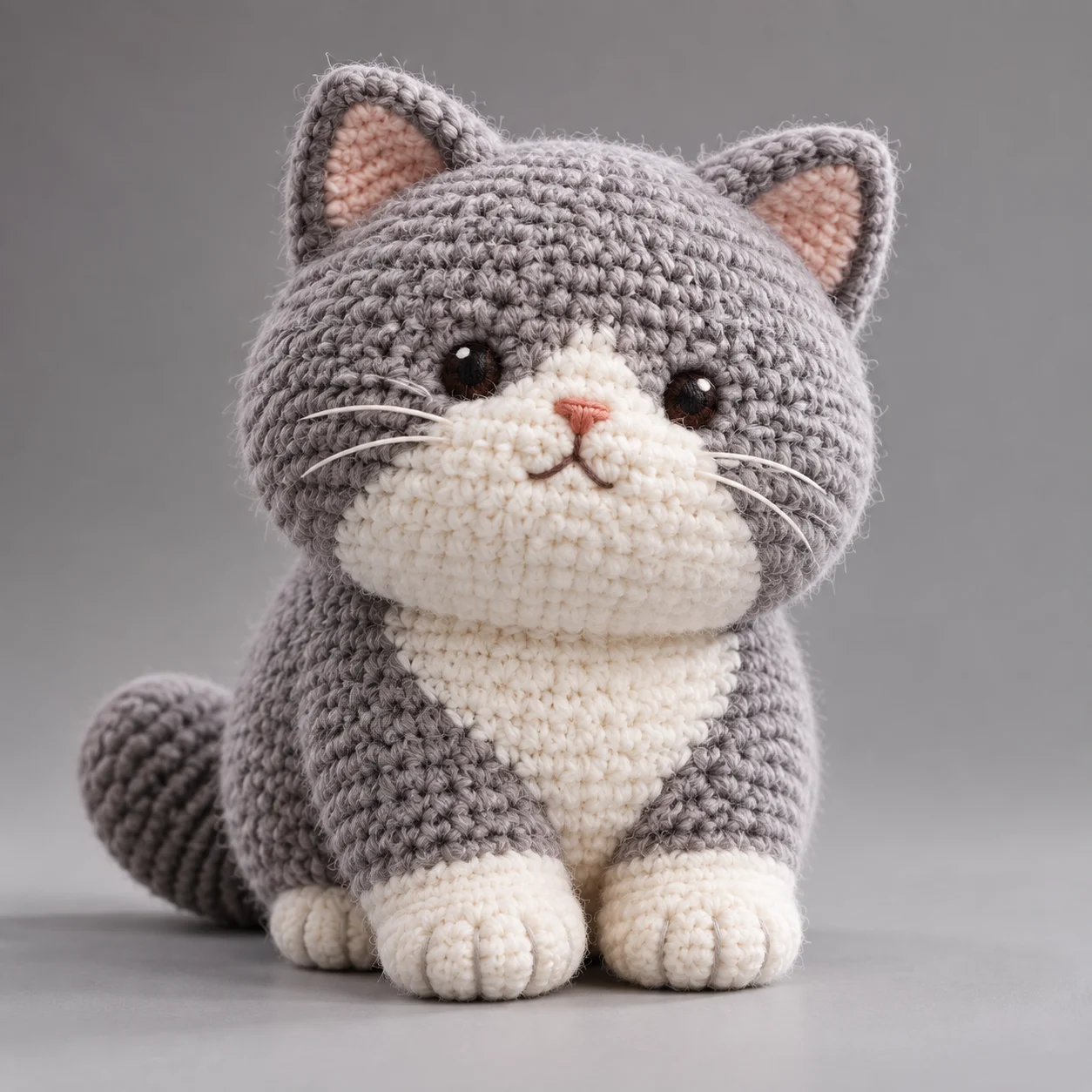
Crochet Doll Poster in a Gray Studio
Camera Create one single, highly detailed 3D photorealistic amigurumi poster. Center the toy in a clean product-display composition; show it fully, keep its details sharp, and give…
Complete prompt
Camera Create one single, highly detailed 3D photorealistic amigurumi poster. Center the toy in a clean product-display composition; show it fully, keep its details sharp, and give it natural separation from the background. Scene A simple, neutral gray studio backdrop with no unrelated props. Soft natural light falls from the front and side, with gentle shadows for a calm, professional product-display mood. Subject No people. The subject is a handmade crocheted amigurumi [animal name], with soft, rounded, fluffy proportions and a believable stuffed form. Clearly render individual yarn fibers, crochet loops, stitch direction, and delicate fuzz. Give it small embroidered eyes and a simple, charming face. Action Display the toy in a natural, stable pose with its full silhouette and face clearly visible. Emphasize the handmade crochet details and soft shape; avoid fused body parts or cropped features. Lighting / Color Use a gray background for gentle contrast with the toy. Natural lighting reveals realistic textile shadows, fine yarn texture, and subtle fuzzy reflections. Keep the image clean, restrained, and dimensional, combining photorealistic photography with refined 3D presentation. Negative Prompt Wrong animal species, missing yarn texture, blurred or incoherent crochet stitches, plastic or rubber material, hard toy appearance, complex background, cluttered props, harsh shadows, blown highlights, inaccurate colors, stiff proportions, distorted face, oversized embroidered eyes, cropped subject, low resolution, blur, text, watermark, logo.
Results vary by model and settings. Keep the subject and composition, then adjust lighting, materials or background for your own project.
How to customize this prompt in the workspace
- 01
Replace the main subject first
Keep the framing, camera angle, and lighting structure intact while swapping the subject or product description for your own project.
- 02
Lock structure with reference images
Need consistent product geometry, packaging silhouette, or character features? Upload 1 or more reference images with a supported model.
- 03
Refine details via multi-turn editing
Generate a base image first, then use conversational editing to adjust background color, surface reflections, or mood one step at a time.



