
Blue Background Professional ID Photo
Camera: Use the head and facial identity from the reference image to create a standard Chinese 2-inch ID photo, approximately 35×49 mm with a 7:10 ratio. Front-facing eye-level vie…
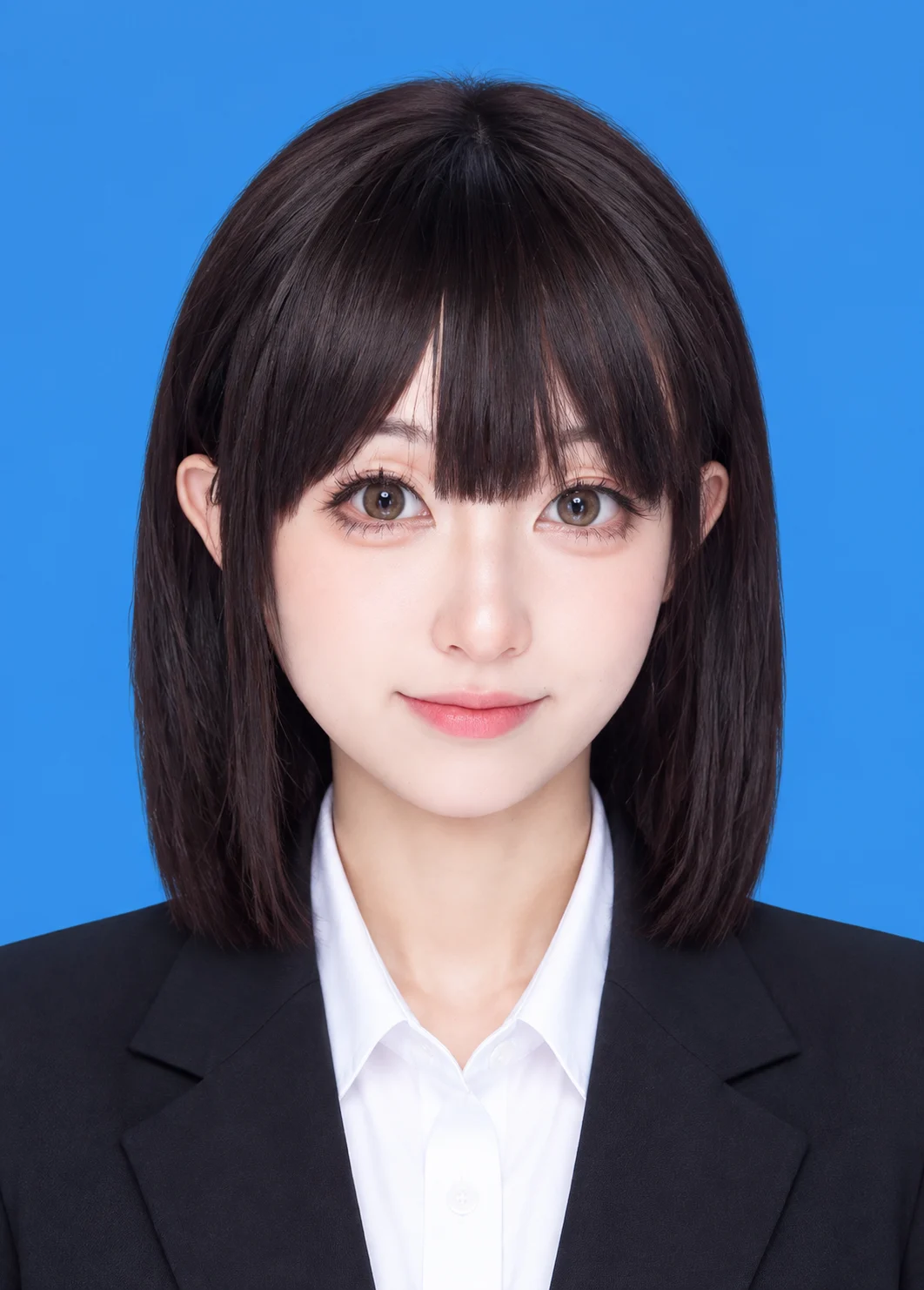
Complete prompt
Camera: Use the head and facial identity from the reference image to create a standard Chinese 2-inch ID photo, approximately 35×49 mm with a 7:10 ratio. Front-facing eye-level view, centered head-and-shoulders crop, level shoulders, clear face, and natural facial proportions. Scene: A clean, evenly lit solid blue ID-photo background with no texture, gradient, or clutter. Keep the framing upright with proper headroom and shoulder margins. Subject: Strictly preserve the reference person’s face shape, facial features, skin tone, hairstyle, and identity. Do not alter apparent age or facial structure. Dress the subject in professional formalwear, preferably a dark business suit with a light shirt, neat and polished. Action: Face the camera directly with a level head and relaxed shoulders. Add a small, natural, appropriate smile with gently raised mouth corners; avoid an exaggerated expression. Lighting / Color: Even, soft ID-photo lighting with balanced exposure across the face, natural skin tone, and crisp detail. Apply only light retouching while preserving realistic skin texture; no heavy beauty filter. Negative Prompt: Identity drift, changed face shape, changed hairstyle, profile view, tilted head, closed eyes, exaggerated smile, distorted mouth, increased facial asymmetry, incomplete business attire, non-blue background, uneven background, harsh shadows, excessive skin smoothing, low resolution, text, logos, watermarks.
Results vary by model and settings. Keep the subject and composition, then adjust lighting, materials or background for your own project.
How to customize this prompt in the workspace
- 01
Replace the main subject first
Keep the framing, camera angle, and lighting structure intact while swapping the subject or product description for your own project.
- 02
Lock structure with reference images
Need consistent product geometry, packaging silhouette, or character features? Upload 1 or more reference images with a supported model.
- 03
Refine details via multi-turn editing
Generate a base image first, then use conversational editing to adjust background color, surface reflections, or mood one step at a time.



